Create your account
Getting started with SoloSearch is straightforward. The sign-up process takes just a few minutes and you will be ready to configure your first search engine right away.
Registration
Fill in your name, email address and a password to create your account.
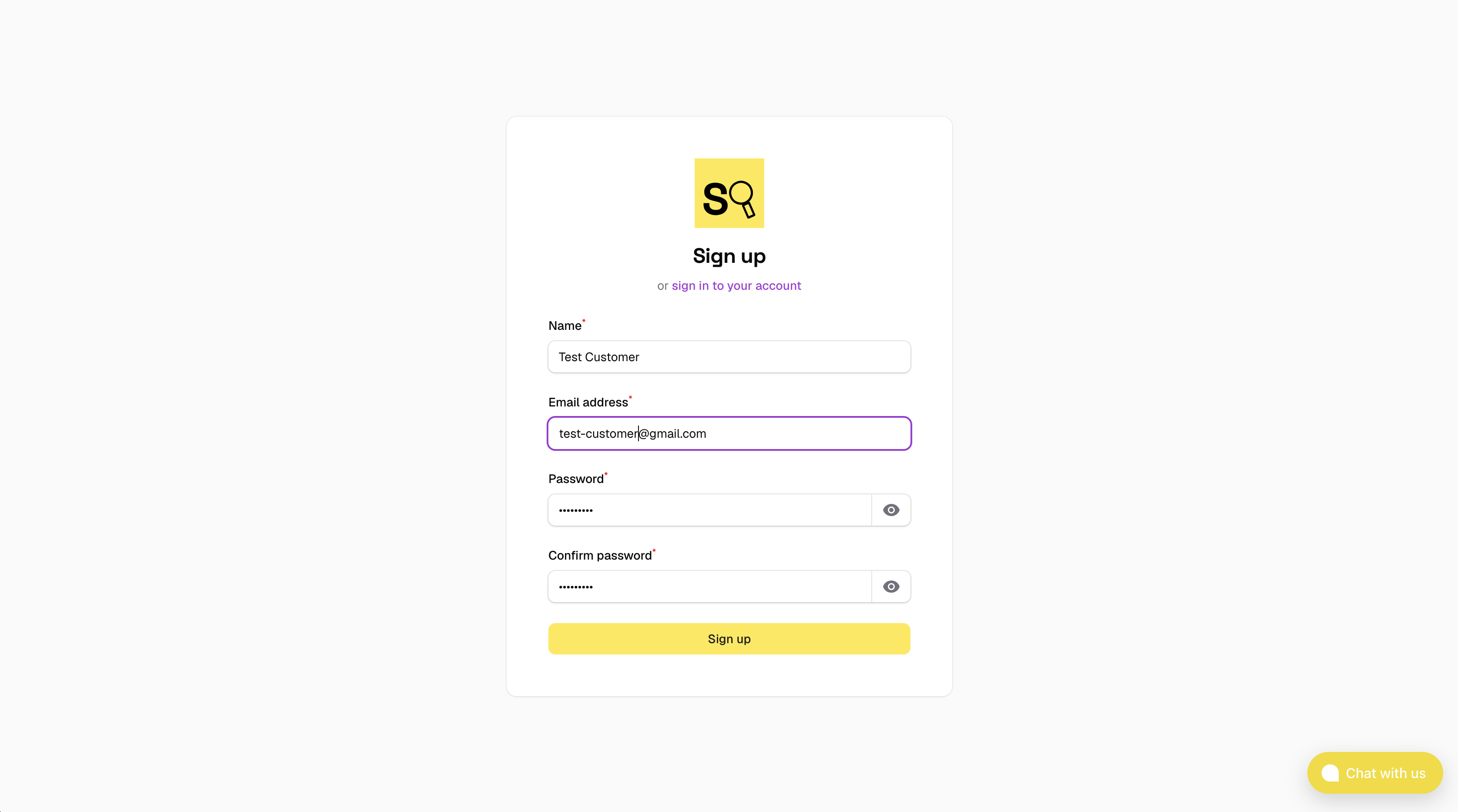
After submitting the form you will receive a confirmation email. Click the link inside to verify your address before continuing.
Choose a plan
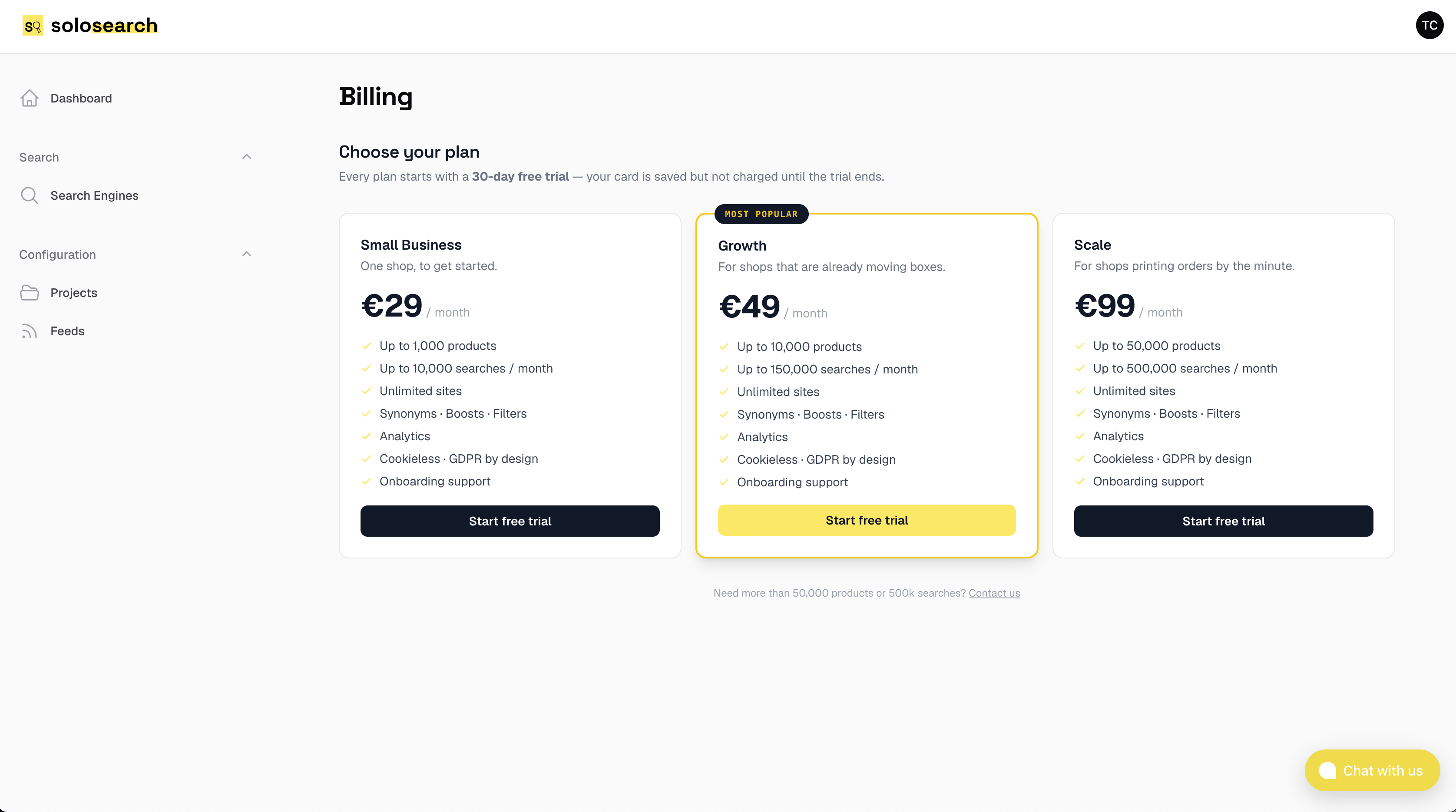
After registering you will be asked to choose a plan. All plans include every feature — there are no tiers that lock you out of functionality. You only pay for what you use.
What's included
- All features, every plan — synonyms, filters, boosts, analytics, design customisation, multiple search engines. Nothing is hidden behind a higher tier.
- Pay only for use — billing is based on the number of searches served.
- No hidden fees — no setup fee, no onboarding charge, no per-seat cost.
- Cancel any time — no minimum commitment. You can cancel from the panel at any time and your account remains active until the end of the current billing period.
Payment details
After choosing your plan you will be asked to enter a payment method.
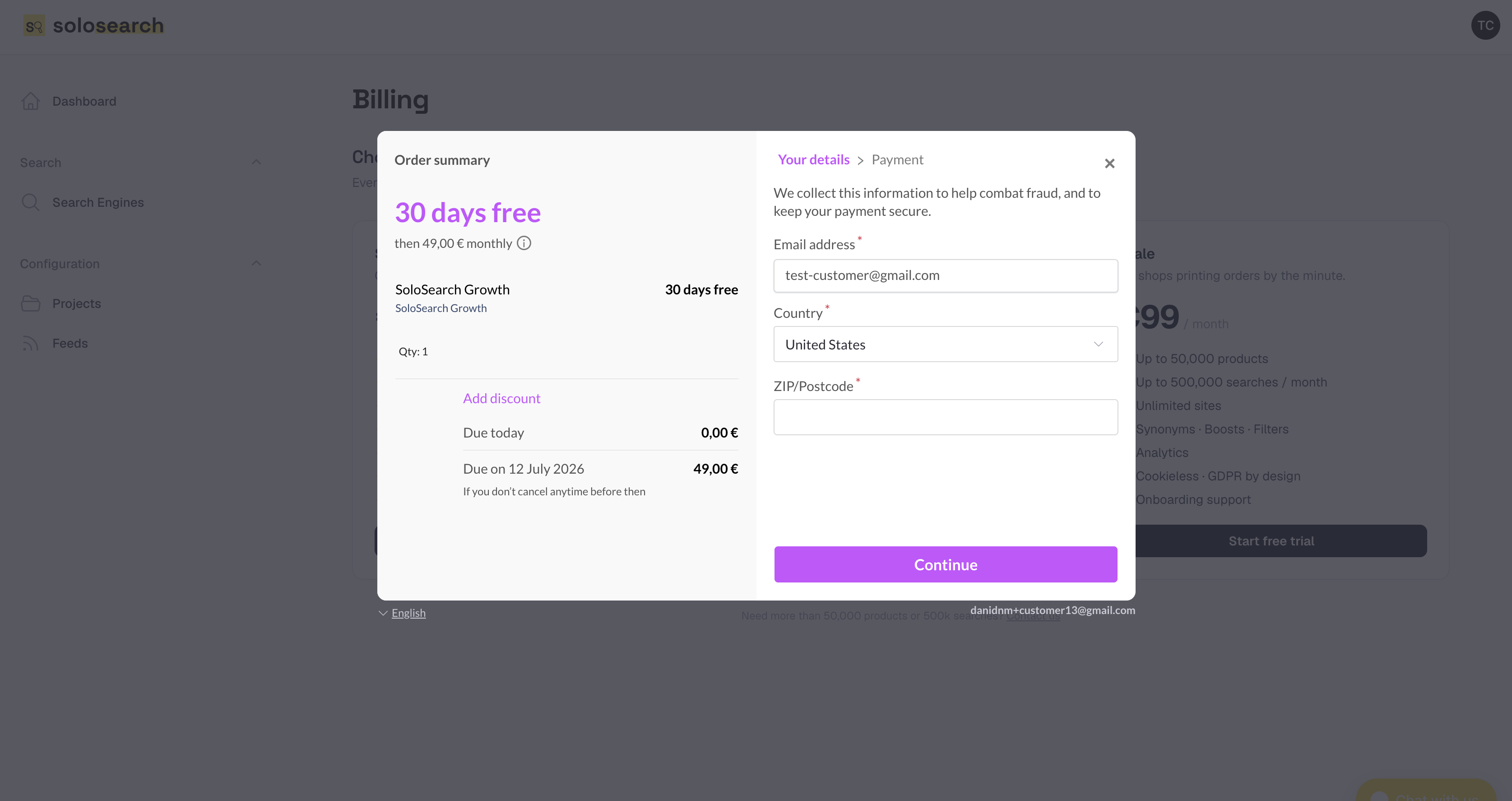
We ask for payment details upfront to prevent abuse — without this check, people created new accounts repeatedly to extend the free trial indefinitely. We understand this may feel like an extra step, and we are sorry for the friction.