Quick start
The panel includes a guided onboarding that walks you through the complete setup in about 5 minutes. A step-by-step checklist keeps track of your progress and links directly to each required screen — you don't need to navigate manually.
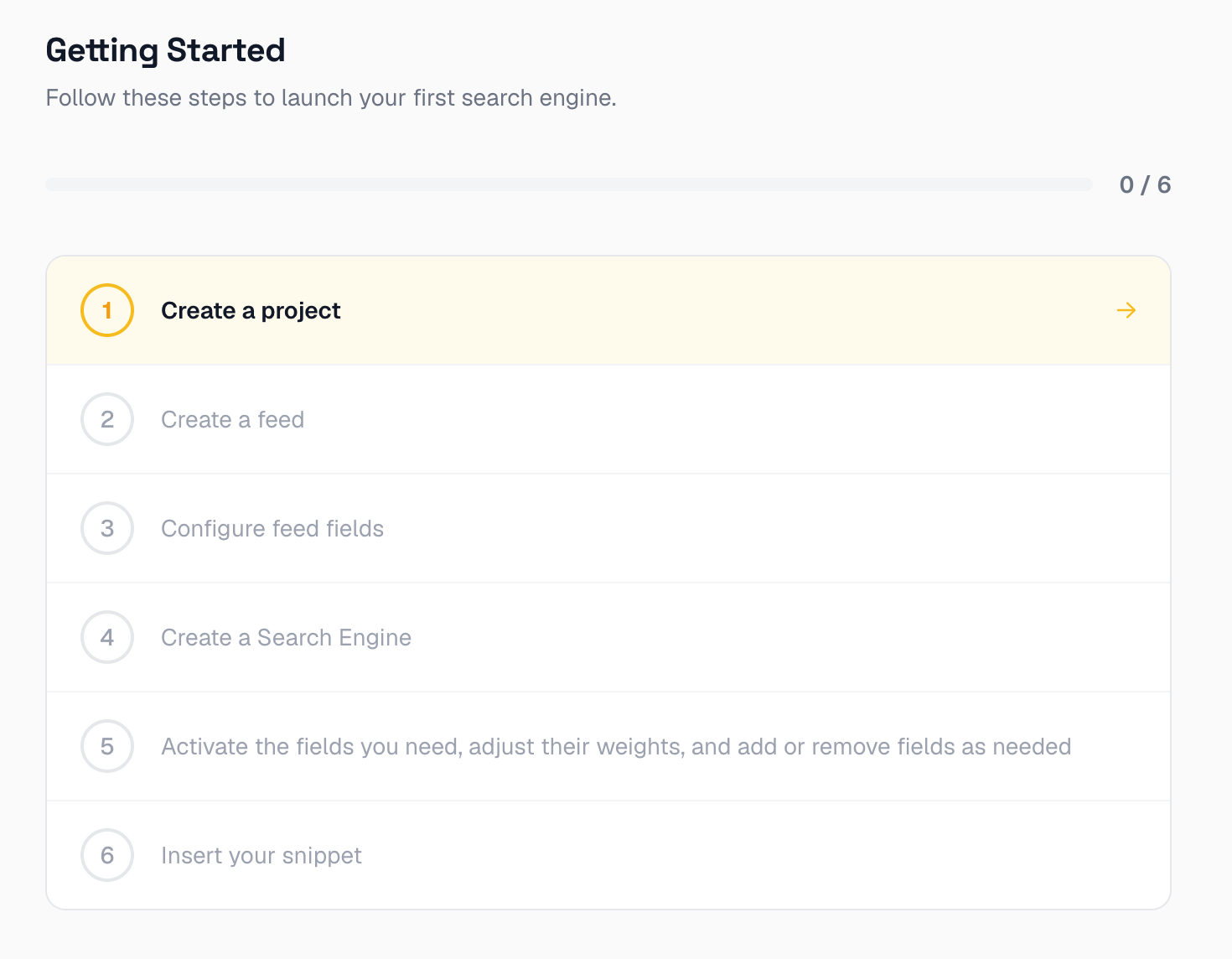
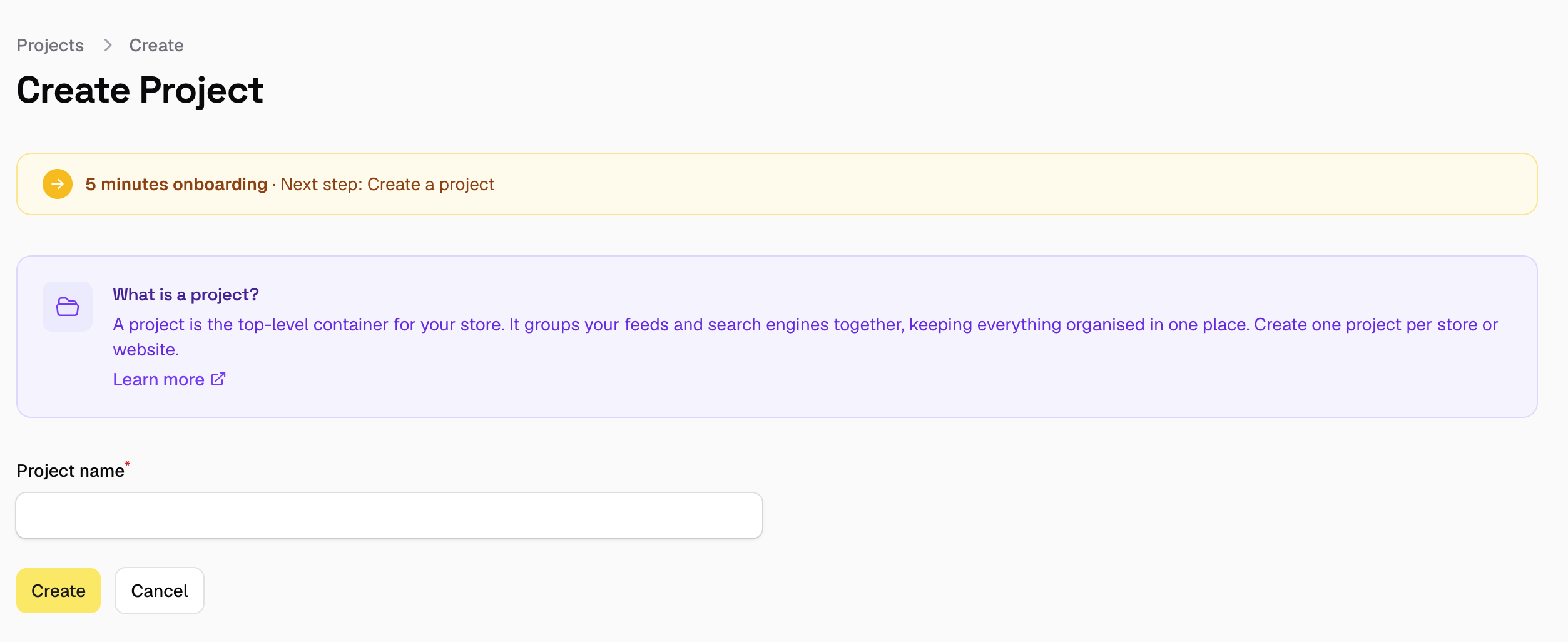
At each step the panel shows contextual instructions and tells you exactly what to do, so you always know where you are and what comes next.
Prerequisites
- A product feed URL (Google Shopping XML, CSV, or similar)
- A way to embed the widget
<script>tag on your shop.
You can get both two ways: install one of our official platform modules (e.g. Magento), which generates the feed and embeds the widget for you automatically, or handle it yourself — point us at a feed you already have (for example, if your shop already produces a Google Shopping feed) and paste the script tag into your shop's HTML.
Initial Configuration
You can follow the guided onboarding directly from the panel after logging in, or go through the steps below at your own pace. Each step links to a dedicated page with full instructions.
- Create your account
- Add a project
- Add a new feed
- Configure the Feed Fields
- Create a Search Engine
- Configure the Search Fields
- Install the script